Before you wrap
Planning a Car Wrap Color Change: How to Evaluate Shades and Finishes on Your Vehicle
Published
Committing to a car wrap color change transforms the entire presence of your vehicle, yet choosing the right vinyl is rarely as simple as naming a favourite hue. A shade that catches your eye on a smartphone screen or a showroom display often looks completely different once applied across several square metres of sculpted metal and plastic.
Understanding how vinyl behaves across complex curves, how finish dictates panel volume, and why lighting alters tone is essential before making any final decision.
Why Swatches and Online Photos Fall Short
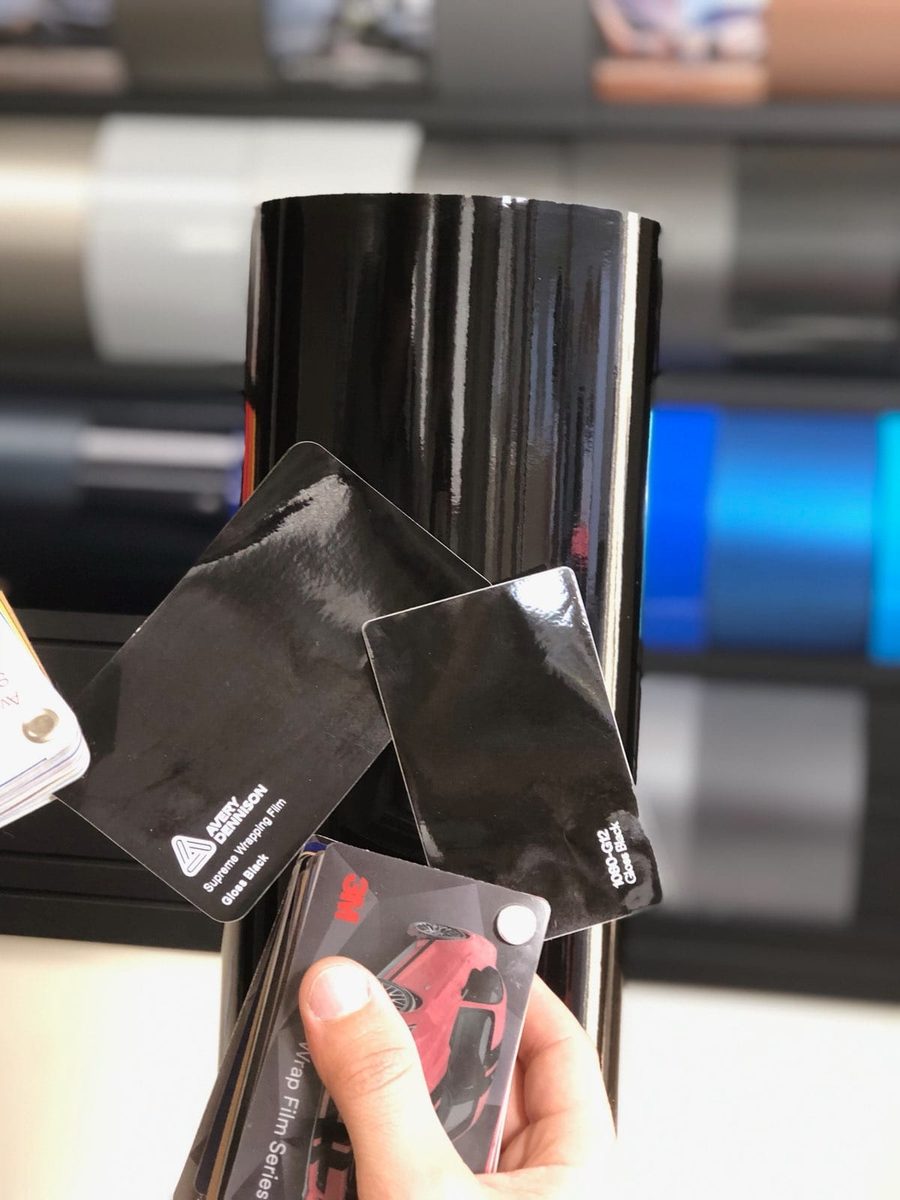
When planning a car wrap color change, most people begin by browsing social media galleries or flipping through small physical swatches at a shop counter. While both sources provide inspiration, neither can accurately predict how a colour will look on your specific vehicle.
A physical swatch measures only a few centimetres across. Laid flat under indoor fluorescent lighting, it shows the base pigment but gives no indication of how that colour handles broad transitions from highlight to shadow. When scaled up to the size of a bonnet, a roof, or a sculpted rear quarter panel, a colour behaves in ways a hand-held sample cannot replicate. Subtle undertones in greys or greens can become overpowering across large surface areas, while deep tones can lose their richness if the panel contours do not catch enough direct light.
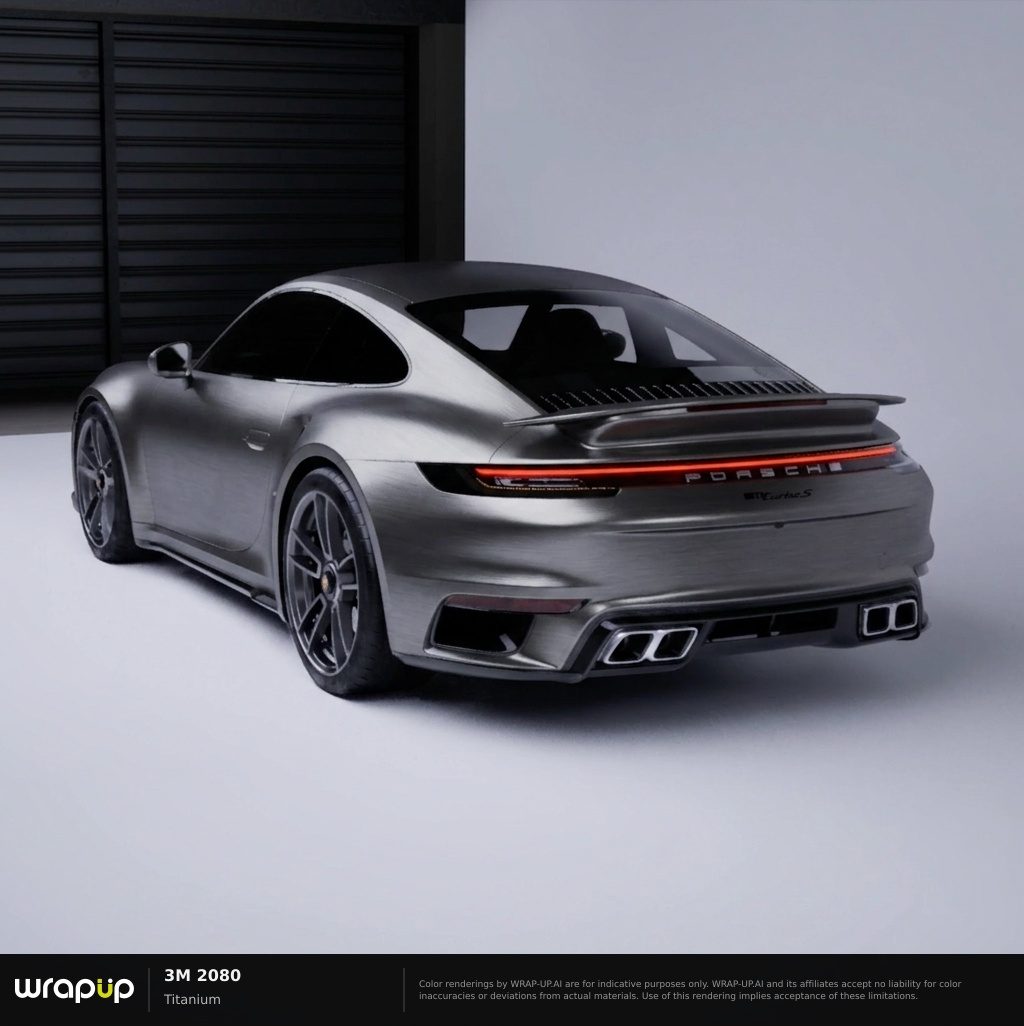
Equally, looking at photographs of someone else's car can be deceptive. A colour such as Matt Pine Green Metallic (M206) by 3M 2080 or glossy ice grey (724G) by Orafol 970RA may look stunning on a low-slung coupe with wide arches and aggressive body creases. Place that same film onto an upright SUV or a rounded hatchback, and the balance of light across the panels shifts entirely. Add in camera filters, professional studio lighting, and varying weather conditions, and online photographs quickly become unreliable guides for your own build.
The Role of Finish in Body Definition
A full colour transformation involves two distinct decisions: the hue itself and the surface finish. The finish controls how light reflects off the panels, which directly influences how defined or flattened your car's design lines appear.
Gloss and High Gloss
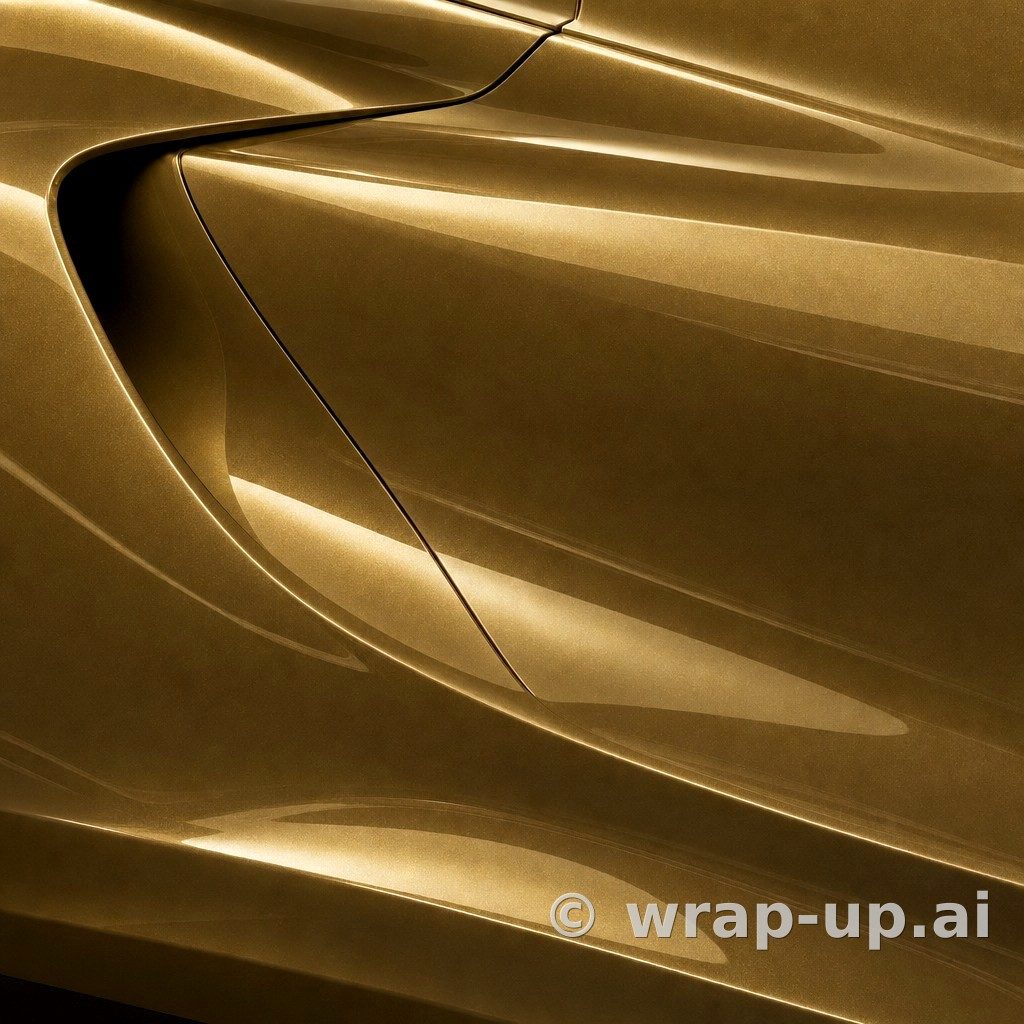
Gloss finishes reflect surroundings like clear-coated automotive paint. They produce distinct highlight lines along bonnet ridges and shoulder creases, drawing attention to sharp body styling. For instance, high-gloss colours such as Gloss CHALK GRAY (SG003) or Gloss VINTAGE RACING GREEN (SG735) by Inozetek Vinyl maintain crisp edge reflections, giving the car a factory-painted appearance that preserves every sculpted contour.
Matte and Absolute Matte
Matte films scatter incident light rather than reflecting it directly. Because there are no sharp specular reflections, the eye relies entirely on gentle gradients of tone between facing panels and shaded recesses. A colour like Dead Black (DM12) by 3M 2080 or Olive Green (732) by Avery SW900 absorbs light heavily, muting subtle body lines while emphasising the broader silhouette of the car. If a vehicle has soft, rounded panels, an entirely flat matte can sometimes make the car look featureless in overcast light.
Satin
Satin occupies the ground between gloss and matte, offering a soft sheen that drapes over bodywork like liquid metal. Films like Bitter Yellow (S335) by 3M 2080 or Frozen Satin Metallic Aluminum Grey (FS2029) by Inozetek Vinyl allow shoulder lines to catch a smooth highlight without the harsh mirrored reflections of gloss. This makes satin particularly flattering on modern performance cars with angular crease lines.
Evaluating Light and Undertones
Automotive vinyl films react dynamically to changing environments. A colour seen at midday under full sun will look distinctly different on an overcast afternoon or beneath amber street lamps at night.
Complex colours with multiple character families demonstrate this shift most clearly:
- Colourflip and iridescent tones: Films like glossy turquoise lavender (989G) by Orafol 970RA or green black iridescent (K75460) by KPMF transition between hues depending on panel angle and viewer perspective. On vehicles with flat, upright doors, the transition may appear gradual, whereas sharp curves produce immediate, dramatic contrast.
- Pearlescent pigments: Tones such as Siberian Pearl (K75539) by KPMF reveal soft secondary reflections across highlighted edges while keeping a subtle base shade in the recesses.
- Metallic flakes: Metallic elements suspended in gloss or matte vinyl lift the colour under direct sunshine, creating depth that disappears into a solid tone under cloud cover.
Before selecting a vinyl, consider the conditions in which your car spends most of its time. A dark metallic red like Metallic Garnet Red (472) by Avery SW900 looks deep and brooding in winter cloud, yet flares with warmth under clear skies.
Seeing the Colour on Your Own Car
Because panel curvature, existing trim, wheel styling, and local light all interact with vinyl, the clearest way to evaluate a colour transformation is to see it directly on your own car.
Rather than imagining how a swatch might look across your doors and bonnet, you can upload a clear photo of your own vehicle to WrapUp AI and test real catalogue options in place. Whether you want to compare Gloss CARIBBEAN SEA (LIM006) by Inozetek Vinyl against Metro Ceramic Matrix Grey (K75412) by KPMF, viewing the tone on your exact model and in your own surroundings grounds your choice in reality.
Keep in mind that a digital render provides a visual impression rather than an absolute colour match, as screen calibrations and digital lighting always differ slightly from physical pigments. However, it bridges the gap that swatches and third-party photos leave behind, showing how the overall proportions of your vehicle interact with specific finishes.
You can explore three free renders with no account required to start. When you are ready to evaluate your options, test real vinyl films directly on your vehicle at WrapUp AI.
See any car in any wrap colour — three renders free. Try WrapUp AI