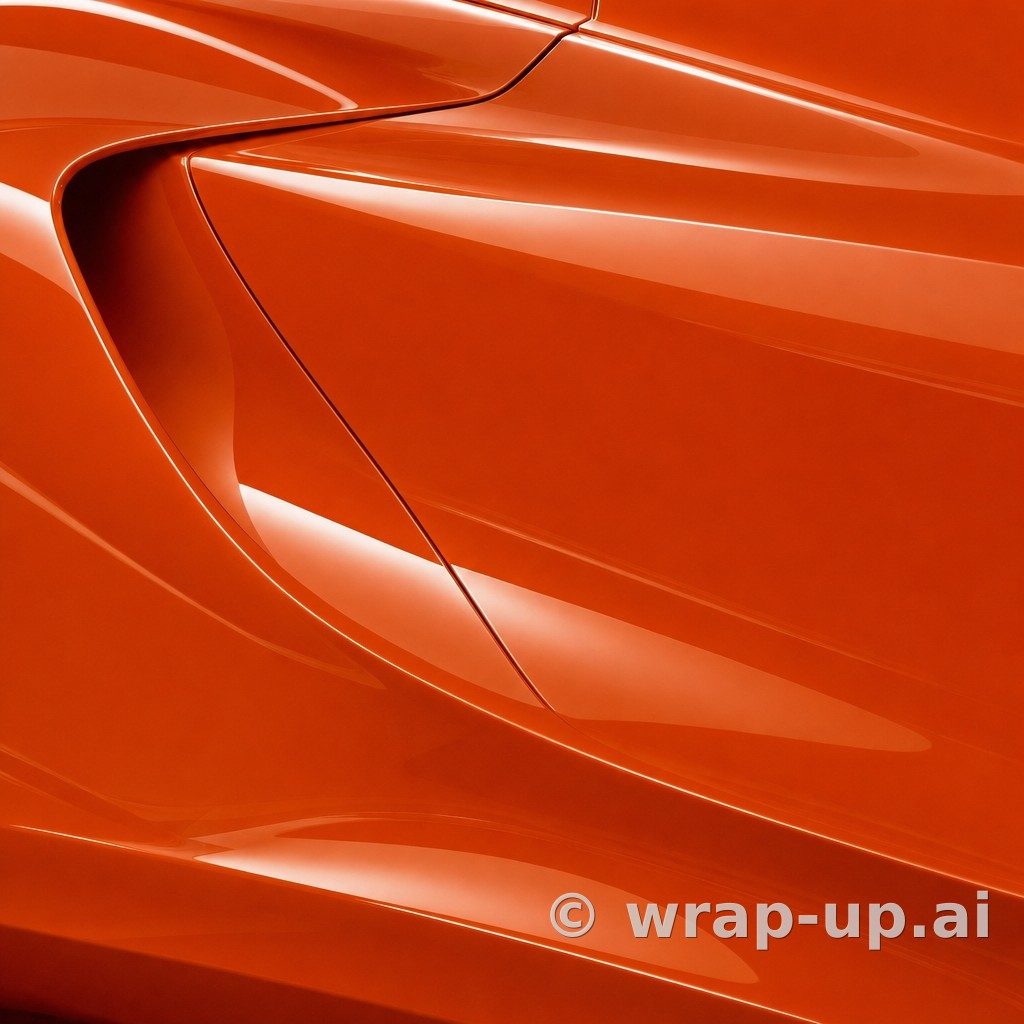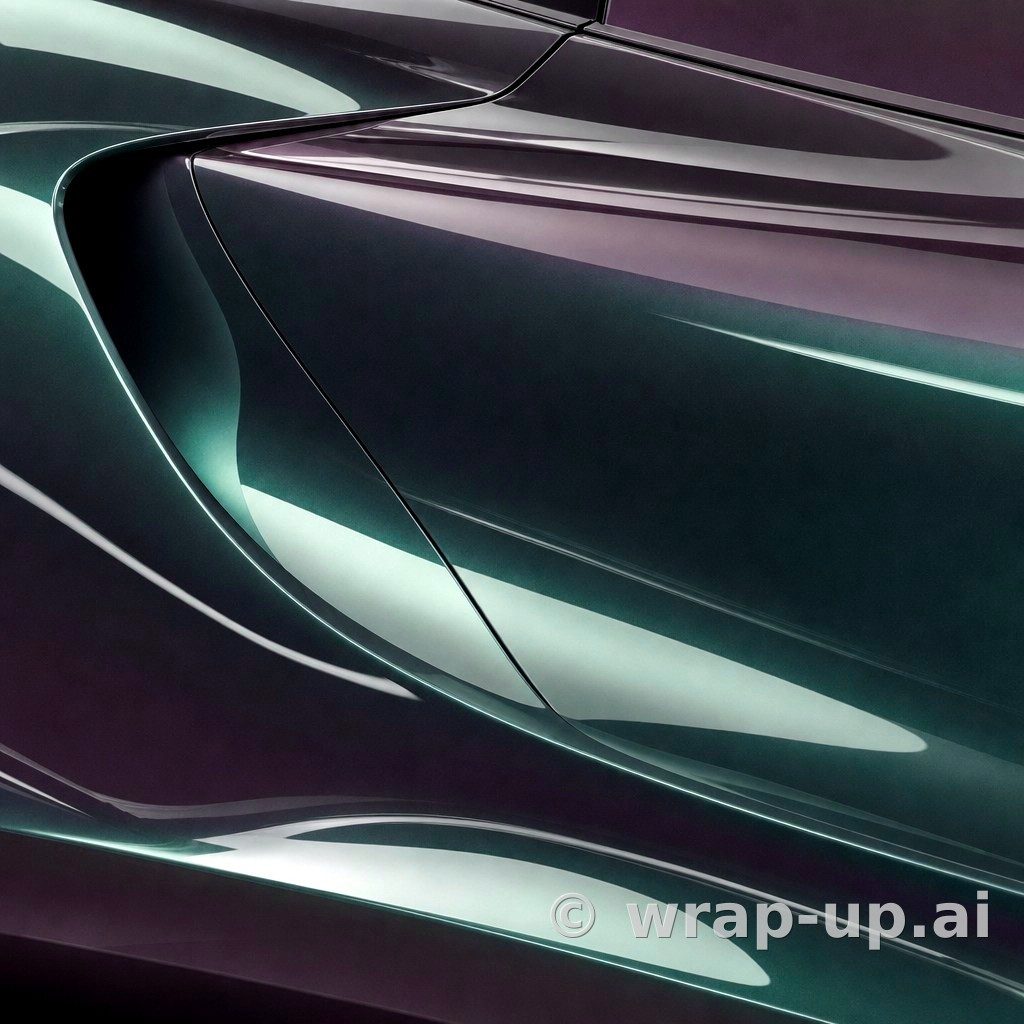
Colors
Hologram Car Wrap: Understanding Spectral Shifts, Base Tones, and Bodywork Lines
Published
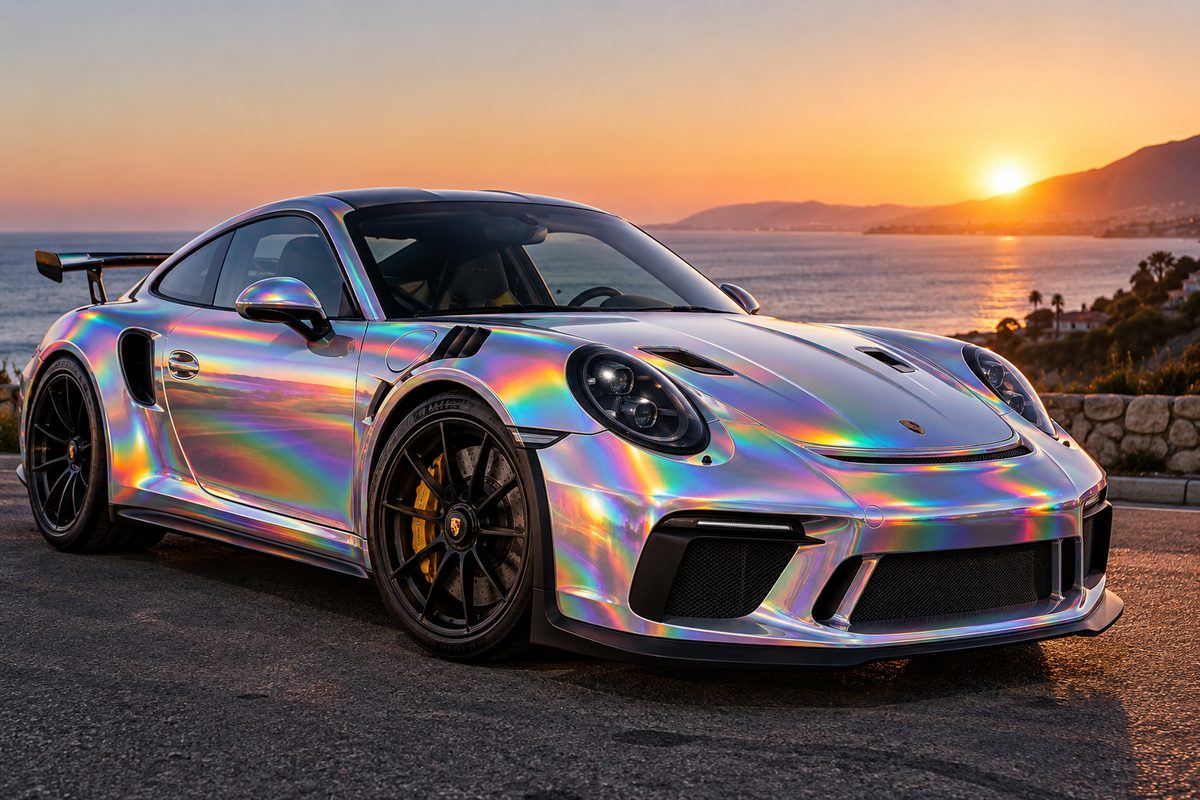
A hologram car wrap is one of the most eye-catching finishes you can apply to a vehicle. Rather than reflecting a single hue or even a gentle two-tone shift, holographic films disperse ambient light into a full spectral flare. Under direct sun or street lamps, the vehicle appears to radiate rainbow patterns that track across bodylines as you walk past.
Yet choosing a holographic or prismatic wrap involves far more than simply deciding you want something vibrant. The appearance of these materials changes drastically depending on the undertone beneath the prismatic layer, the finish applied to the surface, and the contouring of your car's panels.
How Hologram and Prismatic Films Behave in Light
True holographic and spectral films use micro-embossed layers or specialized multi-layer construction to break white light into its constituent wavelengths. In standard automotive vinyl collections, these effects often appear in specialized colourflip or pearlescent families.
In our catalogue of 782 colours, there are 32 colorflip options and 57 categorized as specials. While a traditional metallic wrap scatters light using tiny suspended metal flakes, a holographic effect creates distinct rainbow bands along panel edges where light breaks across a radius.
This behavior means lighting conditions dictate everything about how the car looks:
- Direct sunlight: The spectral effect is fully energized. Rainbow flares trace bright highlights across creases and curved surfaces.
- Overcast skies: The rainbow flares diminish, revealing the underlying base tone of the vinyl—often a neutral grey, deep silver, or pearlescent white.
- Artificial street lighting: Pinpoint light sources produce tight, sharp rainbow halos that move fluidly over the bodywork as the vehicle travels.
The Role of the Base Colour
A common misconception is that a hologram car wrap is completely transparent or purely rainbow. In reality, every spectral film carries an underlying foundation colour. How that foundation is formulated determines the car's personality when direct light is absent.
Grey and Silver Foundations
Many prominent shifting films, such as satin flip psychedelic (SP281) by 3M 2080, sit over a balanced grey or silver base. Because grey (represented by 165 colours in our catalogue) and silver (represented by 38 colours) are neutral, they give spectral flares maximum contrast. In bright light, the rainbow flare dominates; in shadow, the car maintains a composed, modern grey or silver profile.
Pearlescent and White Foundations
When holographic or shifting elements sit over lighter bases, such as Crystalline White (K75540) or Pink White Starlight (K75584) by KPMF, the visual intensity softens. The rainbow effect turns into an ethereal shimmer rather than a harsh flare. Out of 75 pearlescent finishes in the catalogue, these lighter bases tend to flatter vehicles with subtle styling, where aggressive prism lines might overpower the design.
Darker and Coloured Foundations
Darker colorflip and spectral finishes provide a dramatic backdrop. Dark bases trap diffuse light while throwing concentrated highlights forward, making the iridescent shift appear sharper and deeper across flared wheel arches and bonnet scoops.
Surface Finish: Gloss versus Satin
The topcoat finish fundamentally controls how sharp the holographic refraction appears.
- Gloss and High Gloss: A smooth gloss surface (with 273 gloss and 208 high gloss colours across the catalogue) acts like a mirror. Reflection is crisp, and spectral flares have defined edges. This produces the most intense, immediate holographic effect.
- Satin and Matte: A satin finish (found on 104 colours in the catalogue) diffuses reflection across a wider area. On a film like satin flip psychedelic (SP281), the satin sheen softens the rainbow flare into a smooth, liquid gradient across panels. It reduces glare while keeping the colour movement evident.
Why Swatches and Other Cars Mislead
Choosing a holographic vinyl from a physical swatch deck or internet pictures is notoriously tricky.
A hand-held swatch measures just a few inches. Held under an office fluorescent tube or flat daylight, you see only a fraction of what a full roll will do across an expansive bonnet or sculpted door. The tight curvature of a small swatch card forces an artificial concentration of light that simply does not scale up accurately over a two-metre panel.
Equally, looking at photos of another vehicle can lead to disappointing choices. A heavily sculpted coupe with aggressive bodylines, deep air intakes, and dramatic wheel flares will catch light from multiple angles simultaneously, setting off rainbow reflections in four or five places at once. If you wrap a vehicle with flatter slab sides or softer edges in that exact same vinyl, the spectral shift may only trigger along a single shoulder line, spending the rest of the time looking like its plain base colour.
Light environment matters just as much. A photo taken at sunset under warm golden light highlights completely different tones than what you will see on a rainy Tuesday morning parked on your driveway.
Visualising the Shift on Your Vehicle
Before ordering metres of high-end specialty film, you need to see how the tone and reflection behave across the specific contours of your vehicle.
You can test how different shades and finishes adapt to your car at WrapUp AI. Simply upload a photo of your own car in its real surroundings, pick from hundreds of authentic vinyl tones—including pearlescents, colorflips, and metallics—and review the result directly on your panels. Keep in mind that a rendered colour is an impression, not a colour match, but it reveals immediately whether a dynamic shifting finish complements your vehicle's lines or clashes with them.
You can explore three renders free with no account needed to start. Test different tones, compare finishes, and find out how your vehicle looks before making a final commitment.
To try real wrap shades on your car, visit WrapUp AI.
See any car in any wrap colour — three renders free. Try WrapUp AI