Colors
Car Wrap Chameleon: How Multi-Tone Colour-Shift Films Behave Across Car Panels
Published
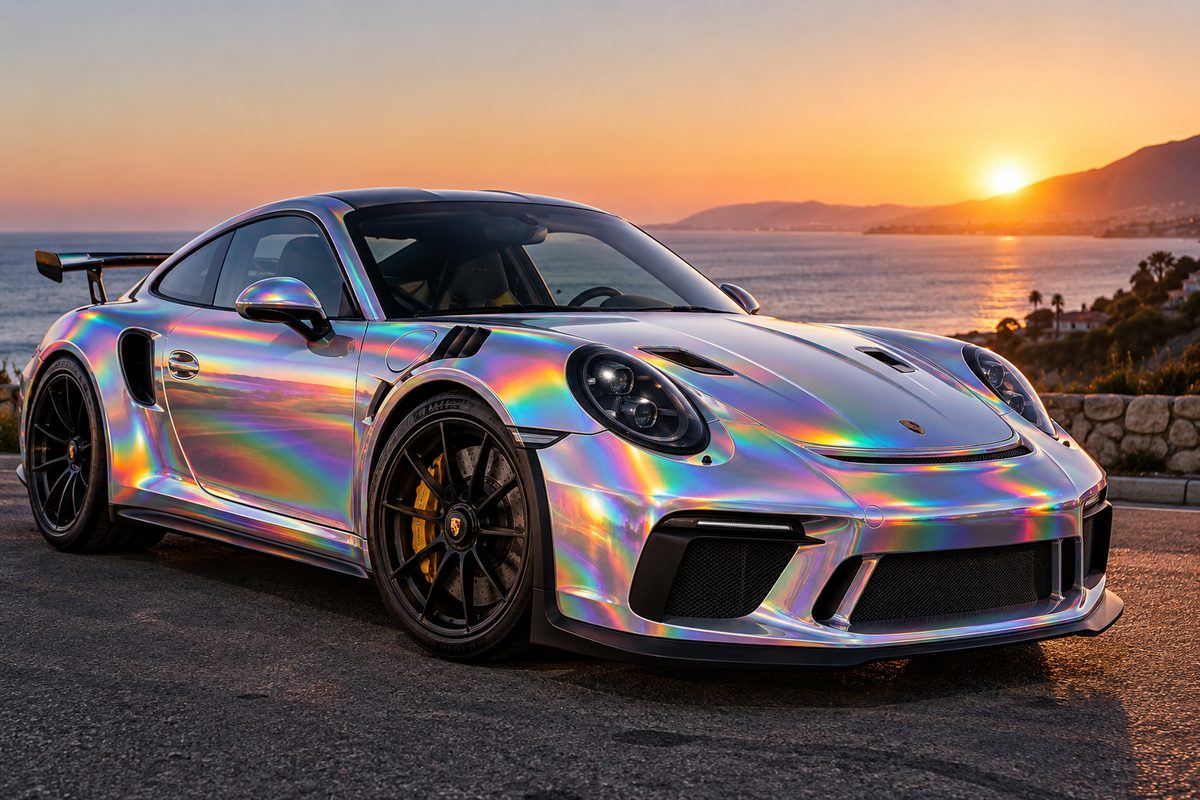
Choosing a car wrap chameleon finish means committing to a film that refuses to settle on a single colour. Unlike a solid gloss grey or a flat pastel, a chameleon vinyl transitions between distinct hues depending on the curvature of your panels, the position of the sun, and where you stand relative to the car.
These films belong to the wider world of colour-shift vinyls, often grouped under pearlescent and colorflip families. In our catalogue of 782 vinyl colours, there are 32 dedicated colorflip options and 75 pearlescent films. While traditional pearlescent shades create soft, subtle tone shifts over a base coat, chameleon films deliver dramatic jumps across the spectrum—turning from deep violet to emerald green, or from dark copper to vibrant gold as the bodywork sweeps away from your line of sight.
Understanding how these shifts manifest on full-scale panels is the key to choosing a film you will enjoy living with every day.
The Anatomy of a Chameleon Colour Shift
A chameleon wrap relies on multi-layer pigment technology. Microscopic optical flakes reflect specific wavelengths of light while allowing others to pass through. When light strikes a flat surface head-on, your eye registers the primary face tone. As the angle sharpens along a curved arch or a sharp body contour, the path of reflected light changes, revealing the travel tone.
This interaction creates three distinct zones on any wrapped vehicle:
- The Face Colour: The dominant hue visible on panels perpendicular to your line of vision, such as the flat face of a door or the centre of the bonnet.
- The Flop or Travel Colour: The secondary and tertiary shades that appear where panels roll away from the viewer, such as bonnet ridges, shoulder lines, and the lower rocker panels.
- The Shadow Tone: In low light or shaded recesses, the film often deepens into a dark undertone, grounding the brighter shifts.
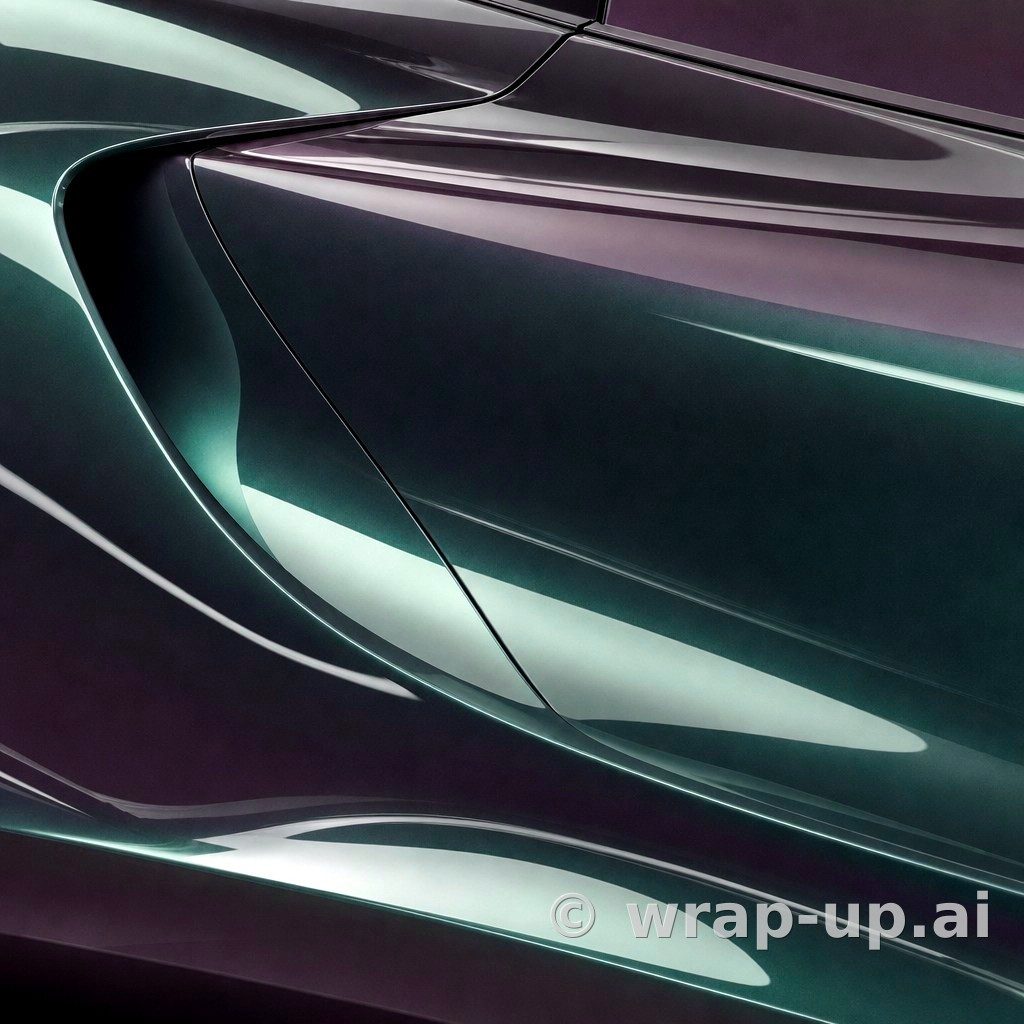
For instance, films like Purple Black iridescent (K75565) by KPMF combine a dark, brooding base with vivid purple undertones that step forward only when light catches the panel radius. Others, such as Metro Jargon Jade (K75512) by KPMF, use a satin surface to soften green and pearlescent highlights across subtle creases.
How Bodywork Geometry Dictates the Shift
A chameleon film behaves entirely differently depending on the car it covers. The shape of your vehicle acts as a canvas that either amplifies or flattens the transition.
Rounded Panels and Smooth Curves
Cars with voluptuous arches, organic bonnet sweeps, and rounded rear quarters show smooth, continuous transitions. The colour flows across the surface like liquid, creating a gradient from the face colour on top of the fender to the travel colour along the side flare. The transition is gentle because the angle of reflection shifts continuously.
Sharp Angles and Defined Creases
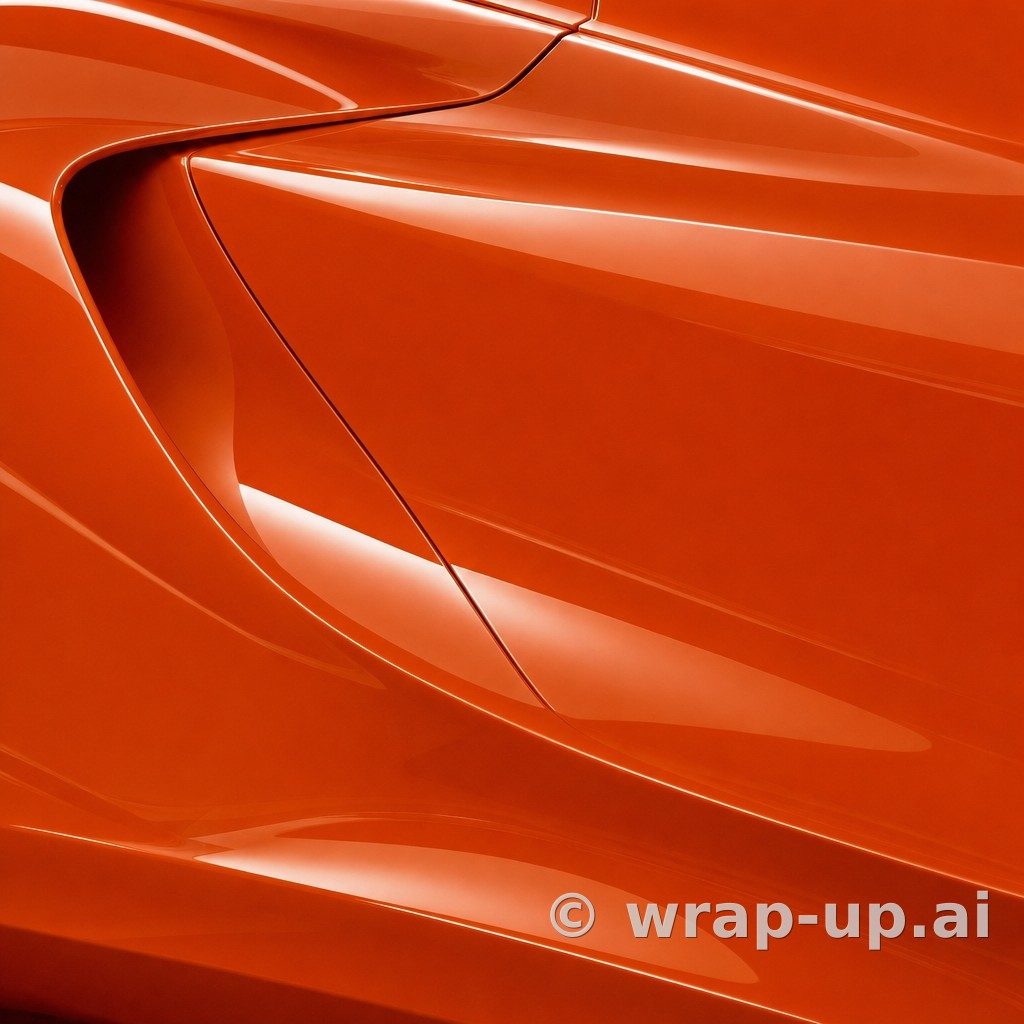
Vehicles with angular, aggressive styling—characterised by sharp beltlines, chiselled bonnet vents, and geometric bumpers—produce hard colour breaks. The face colour can sit on one side of a panel crease while the travel colour appears abruptly on the adjacent plane. This accentuates the styling lines, turning panel breaks into sharp boundaries between contrasting hues.
Large Flat Areas
On long, flat panels such as the sides of a boxy estate, a van, or an uncreased boot lid, a chameleon film can look surprisingly uniform from a distance. The colour shift only becomes visible as you walk past the vehicle or when parked beneath multi-directional artificial light, such as street lamps or underground car park tubes.
Why Small Swatches and Online Photos Mislead
Many motorists begin their search by ordering a tiny swatch booklet or browsing social media galleries. Both approaches have significant flaws when evaluating a multi-tone film.
A physical vinyl swatch is typically the size of a credit card. Held flat in your palm, it cannot reveal how the colour moves across a full body panel. It lacks the three-dimensional surface area needed to display the face tone, transition zone, and travel hue at the same time. You may see a brief flicker of green on a purple swatch, but you cannot tell whether the green will dominate your front wings or merely appear as a faint rim along the wheel arches.
Photographs of someone else's car present the opposite problem. A photo captures a chameleon wrap at a single, frozen instant under specific lighting conditions. Digital camera sensors frequently struggle with shifting pigments, often exaggerating one wavelength or flattening the transition altogether. More importantly, that photograph shows the vinyl on someone else's panel architecture, under someone else's weather. A colour shift that looks striking across the wide, flared hips of a sports coupe can look chaotic or disjointed on an upright, compact hatchback.
Matching Finish to the Shift: Gloss, Satin, or Matte?
The top coat of the film dramatically influences how the chameleon effect reads to the eye:
- Gloss and High Gloss: A glossy finish sharpens the colour transition. Reflections of the sky and surroundings sit directly over the shifting pigment, producing maximum contrast and high-energy highlights.
- Satin: A satin finish diffuses the surface glare. Rather than sharp reflections, the light spreads into a silky sheen that allows the travel colour to merge gradually into the face tone. It offers an understated, technical appearance that suits complex, modern styling.
- Matte: Matte chameleon films subdue high-contrast glare entirely. The colour shift remains present across curves, but it reads as a smooth, velvet transition rather than a metallic flash.
With 273 gloss, 208 high gloss, 166 matte, and 104 satin colours in the catalogue across manufacturers such as Inozetek Vinyl, Orafol 970RA, Avery SW900, KPMF, and 3M 2080, selecting the right surface sheen is just as influential as picking the underlying pigments.
Visualise the Transition on Your Car
Because a chameleon wrap depends completely on the interaction between surface curvature and ambient light, you need to see how the film adapts to your specific vehicle before making a choice.
With WrapUp AI, you can upload a photo of your own car—sitting in your driveway, parked under your local sky, and bearing your exact factory body lines. You can select real vinyl colours from our catalogue of 782 options and see an immediate visual impression of how different colour-shift, pearlescent, and colorflip tones settle onto your panels.
A rendered image is an impression rather than an absolute paint match, but it gives you an authentic sense of panel coverage, highlight placement, and overall balance. You can generate three renders for free without needing an account to get started.
Explore how different shifts interact with your bodywork lines on WrapUp AI.
See any car in any wrap colour — three renders free. Try WrapUp AI